
Guide
3 min read
Titel på smarte links
Uddrag af smarte links
What you'll learn in this guide
Follow these steps to master titel på smarte links. Each step includes detailed instructions and screenshots.
1
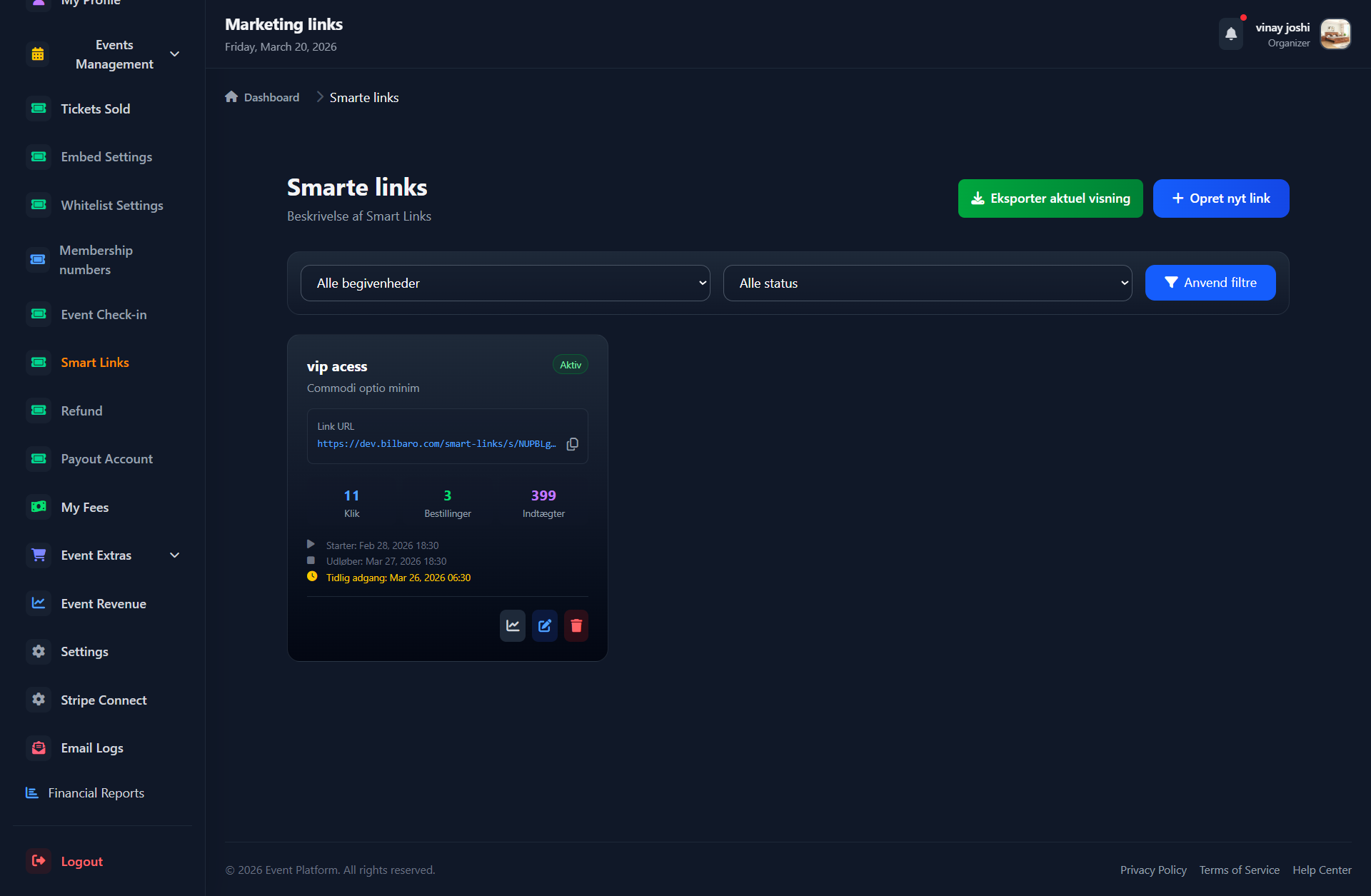
Trin 1: Titel på smarte links Start
Trin 1: Beskrivelse af smarte links
Click to zoom
2
Trin 2: Titel på smarte links
Trin 2: Beskrivelse af smarte links
3
Trin 3: Titel på smarte links
Trin 3: Beskrivelse af smarte links
4
Trin 4: Titel på smarte links
Trin 4: Beskrivelse af smarte links
🎉 Congratulations!
You've completed the guide for Titel på smarte links. If you have questions, please contact our support.
📌 Note:
Smartlinks gør det nemt at dele dine artikler.
📢 Was this article helpful?
Still have questions?
Our support team is ready to help you 24/7